01
A Clear Flight Decision
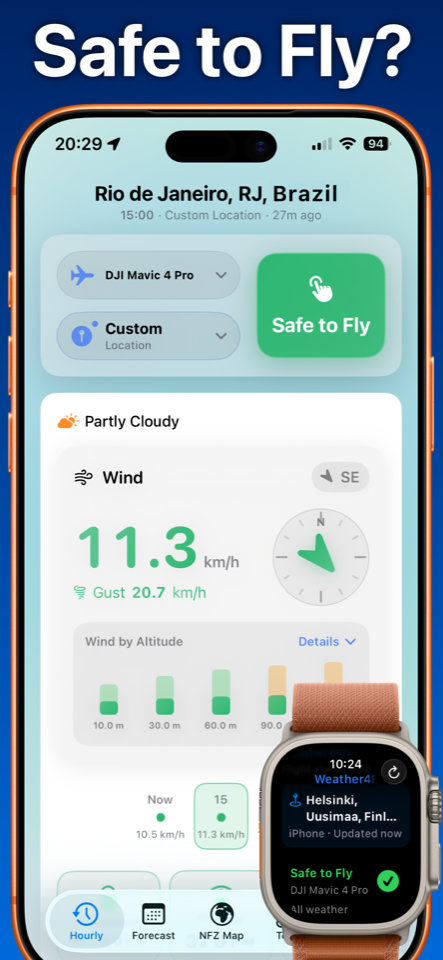
Weather4Fly turns weather and flight condition data into a simple Safe, Caution or No Fly status
For drone pilots · iPhone & Apple Watch
Weather4Fly helps drone pilots check wind, gusts, rain, visibility, wind by altitude, FAA NOTAMs and no-fly zones before every flight.
Check the conditions that affect outdoor drone flights without digging through a generic weather dashboard.
Weather4Fly turns weather and flight condition data into a simple Safe, Caution or No Fly status
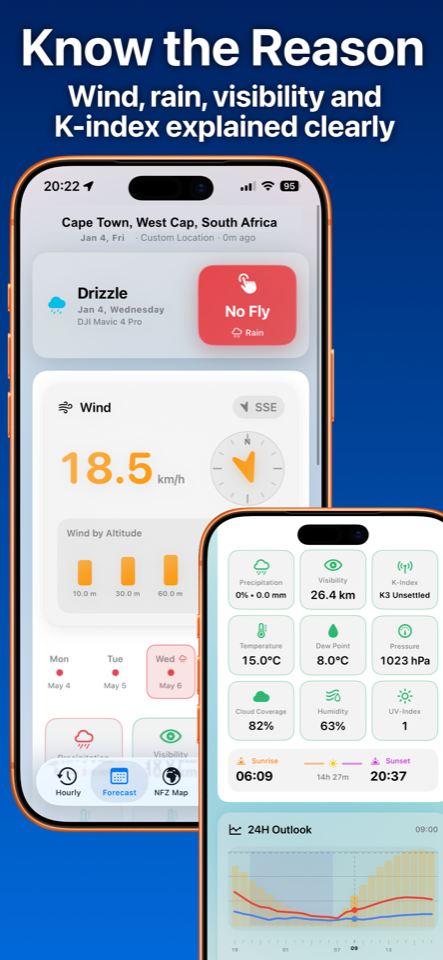
Check wind speed and gust conditions before takeoff
Surface wind is not always enough. Weather4Fly helps you review wind conditions at different altitudes
Review rain risk, visibility, cloud conditions and temperature before flying outdoors
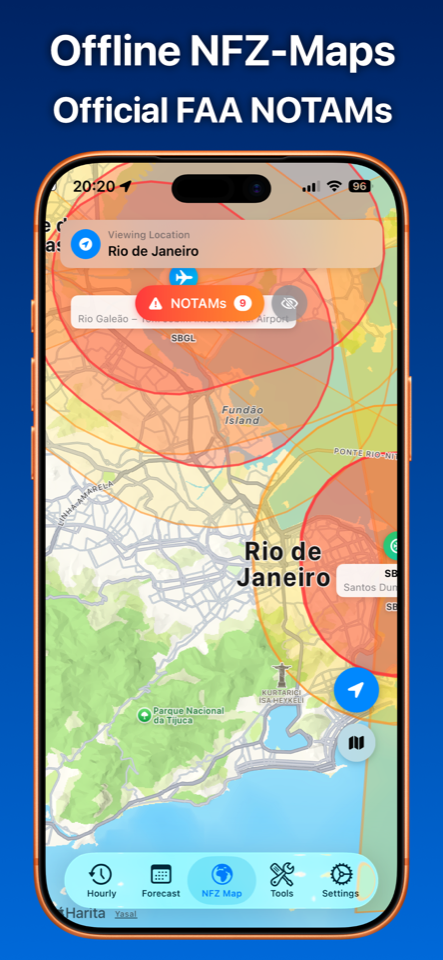
For supported regions, Weather4Fly helps pilots check FAA NOTAMs and no-fly zone information
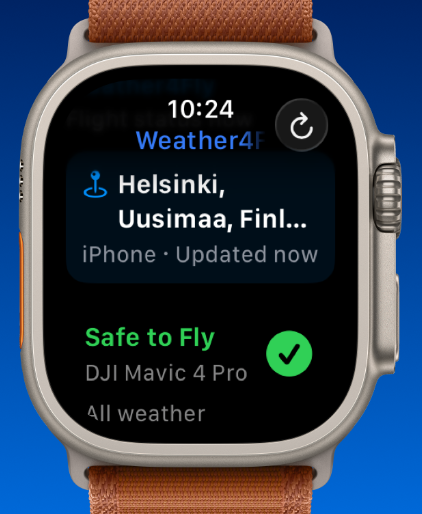
Check key flight conditions from Apple Watch when you are outdoors and preparing to fly
For supported regions, Weather4Fly helps drone pilots include FAA NOTAMs and no-fly zone information in their pre-flight checks, alongside the weather data that affects flight safety.
Note: Weather4Fly is a planning and awareness tool. Always follow local drone regulations and official aviation authority guidance.